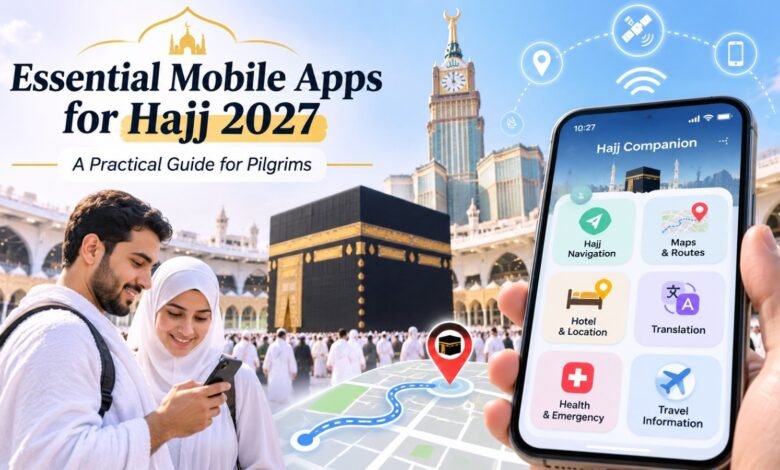
- Use the apps provided by the Pakistani and Saudi authorities.
- Ensure you are able to log in to and navigate within these apps.
- It is also advisable to download and print off your hotel details, key telephone numbers and maps (in case you lose internet access).
Pak Hajj App
- The official Pak Hajj mobile application can be downloaded from the Ministry of Religious Affairs website for Android and iPhone.
- Search the ‘mobile apps’ section for ‘Pak Hajj 2027’ and click on the relevant link.
- The official Pak Hajj app is produced by the National IT Board, Government of Pakistan.
- The app includes information regarding Hajj practice, maps and access to emergency and healthcare information.
- Ensure that you are using the correct version of this app.
- An interactive map may require internet access so also verify that this can be accessed without one.
- If you are travelling from outside Pakistan, firstly investigate which Pakistani facilities are relevant to you and then enter your details.
Nusuk and Nusuk Hajj
- The Nusuk app allows users to apply for Umrah passes and to book Rawdah slots.
- It also offers religious information.
- The official Nusuk app can be downloaded from its website.
- Click on the link: Nusuk app.
- Within your online account you can investigate which facility you wish to access and whether you are entitled to do so.
- The official Nusuk app is produced by the Saudi Ministry of Hajj and Umrah.
- If your country is suitable, you can purchase a Hajj package via hajj.nusuk.sa.
- Official information on this site includes how to register, verify documentation and choose and pay for a package.
- Overseas Pakistanis must also investigate the country in which they reside and the relevant documentation needed. Those considering Pakistan’s Hajj scheme can also consult Shamco Travels’ guide to Hajj documentation to understand which identity and residency documents they may need to prepare.
- Simply being Pakistani does not guarantee suitability.
See also: Private Jet Travel in the UAE Is No Longer Just About Luxury
Download Maps and Translation
- If you use Google Maps, download maps of areas and points of interest near to where you are staying.
- Note your hotel’s name and address.
- Whilst out and about, for example on foot or public transport, Google mals may not allow you to download maps.
- It is therefore wise to also write your hotel address in Arabic so that local people can assist you.
- Download both Arabic and your language versions for Google Translate and note down key expressions so that you can seek directions and/or assistance.
- If necessary, present your hotel address in writing to those assisting you to verify the translation.
Note Down Emergency Numbers
- Remember the ambulance number 997, and the general emergency number 911 (both in Makkah).
- Saudi Arabia’s health information number is 937.
- Also note your group leader and relative’s telephone numbers.
- Write these, alongside your hotel information, in a notebook.
- When seeking assistance, convey your location and explain what has occurred.
Investigate Publishers and Secure Information
- Hajj apps can be downloaded from official ministry webpages.
- Although an app may display a logo comparable to an official one and/or hold good reviews, this is insufficient evidence of its authenticity.
- Prior to logging into apps, review the site’s privacy policy and analyse what information the app seeks.
- Only permit access to this data if you are aware of why it is required.
- Maintain the confidentiality of passwords and validation codes.
- Ignore hyperlinks sent to you by others.
Complete Hajj Online
- Ensure that apps are up to date.
- Confirm that you can log in and view maps.
- Pack a charging cable together with a power bank.
- Ensure that your phone number for your account remains current in order that you can obtain login codes.
- Investigate your internet access options for overseas.